01
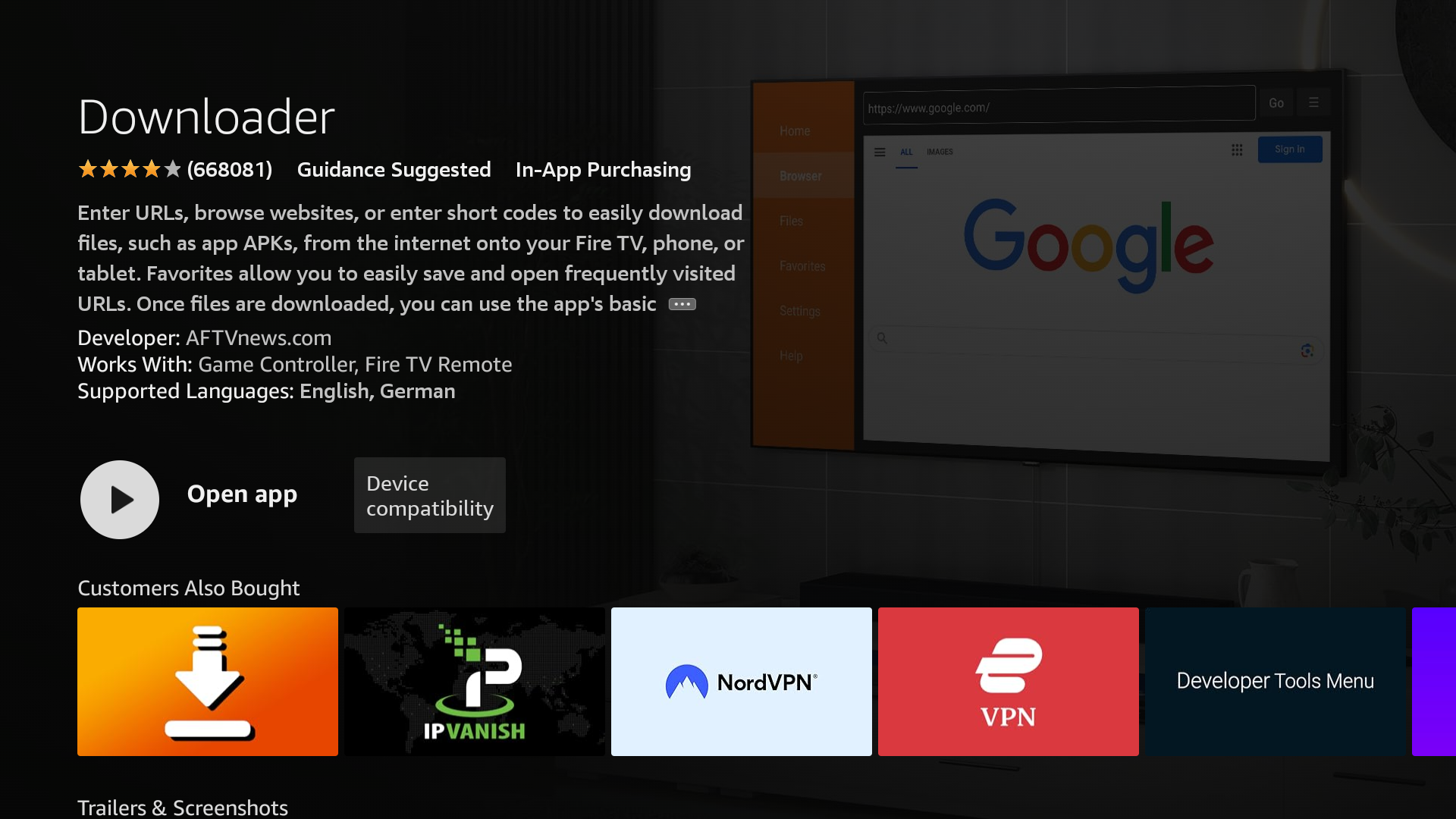
Install the Downloader app
On Android TV or Google TV, open Google Play and install Downloader. On Fire TV, open the Amazon Appstore and install Downloader by AFTVnews.
Stream the latest movies and shows on any big screen. Follow the guided setup below to install FilmPlus using Downloader — no cables, no PC required.
Works with Android TV, Google TV, and every generation of Amazon Fire TV / Firestick.
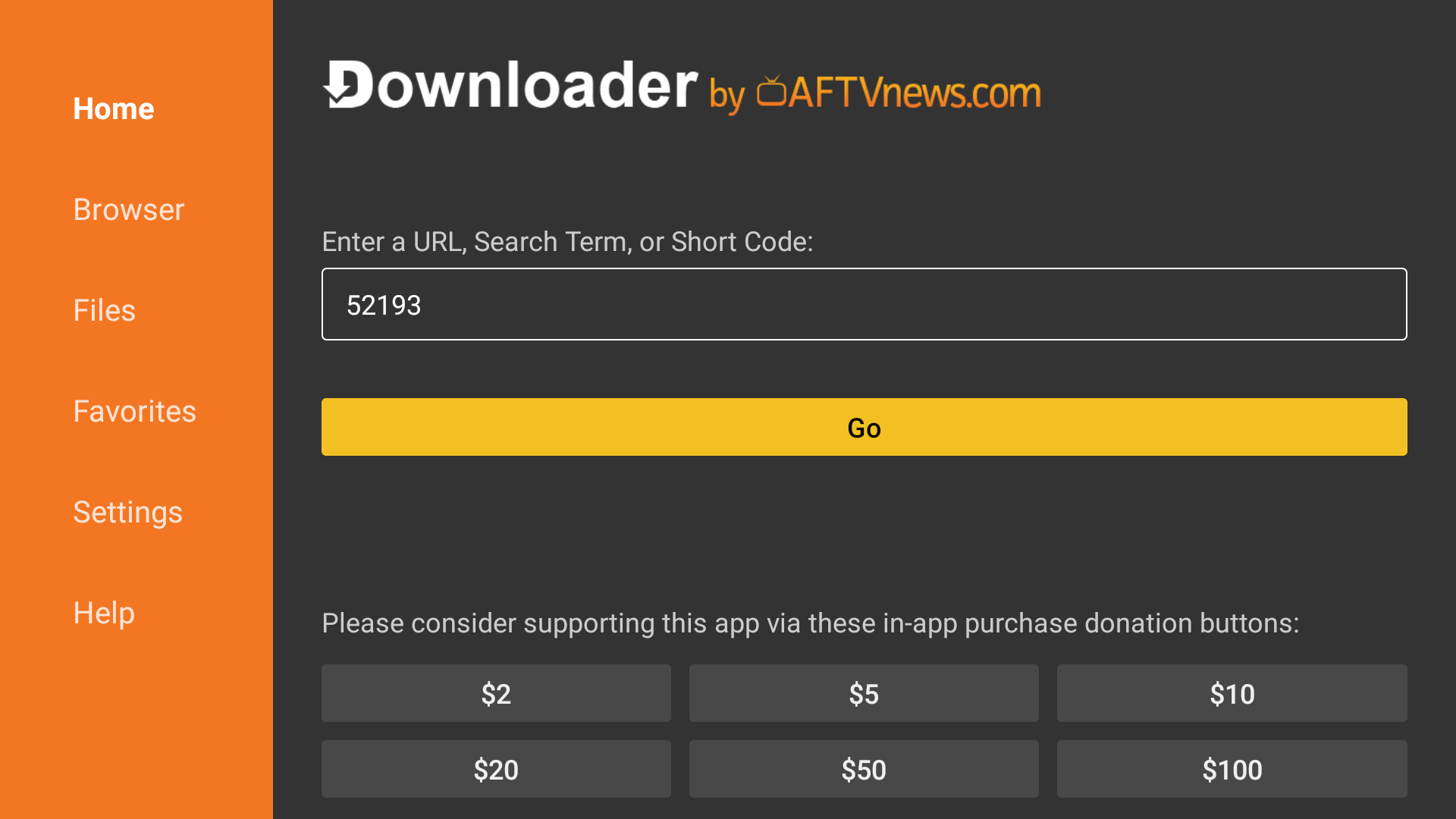
52193 in DownloaderOn Android TV or Google TV, open Google Play and install Downloader. On Fire TV, open the Amazon Appstore and install Downloader by AFTVnews.
Launch Downloader and type https://filmplus.app/dl in the URL bar, or choose Enter a code and submit 52193 for an instant download.
When the APK finishes downloading, select Install. After the app installs, click Done and delete the APK when prompted to free up space.

Prefer using a browser? Open Silk (Firestick) or Chrome (Android TV with browser support) and visit https://filmplus.app/dl, then open the downloaded file to install.